PDF translator for readers and learners
Open any PDF. Tap any word. Lingible translates every word in context without breaking the layout or losing your place.
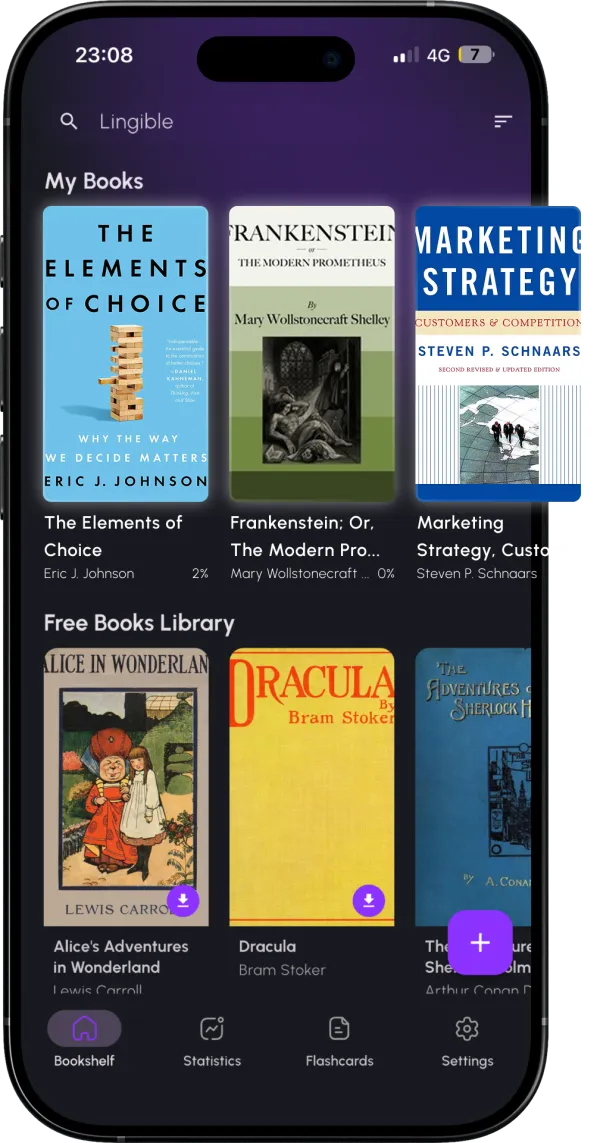
Open any PDF. Tap any word. Lingible translates every word in context without breaking the layout or losing your place.
Full-document PDF translators give you a machine-translated copy of the whole file. Fine for quick understanding — terrible if your goal is to learn the language.
Lingible does the opposite. You read the original PDF. You tap words or phrases you don't understand. The translation pops up next to the text. Your brain still does the work of reading in the target language, which is the only way fluency happens.
Versus Google Translate PDF upload: You get a fully machine-translated file — useful for gist, useless for learning. Lingible translates only what you ask for, on demand.
Versus DeepL: Better translations than Google, but still replaces original text. Lingible preserves the original and augments it.
Versus copy-paste workflows: Slow and breaks reading flow. Tap-to-translate is designed to keep you in the book.
Most PDFs up to ~100MB. Scanned image-only PDFs without a text layer have limited translation support.
Yes — papers, novels, manuals, textbooks. Anything with a real text layer.
Virtually any pair — 40+ source languages, translated to your native language.